Course Category: Statler

Accelerate Your Quilting Business

Everything you need to begin or grow your longarm quilting business If you’re seeking guidance on how to expand your quilting business, tackle challenging situations, or locate essential resources, we’ve got your back! Our team of Accelerate Coaches understands the obstacles and frustrations that come with running a quilting business. With our coaches and Accelerate Accelerate Your Quilting Business
Elevate New Owner Training

Welcome to the Elevate New Owner Training.  In this class, the Gammill team will provide you with all the guidance, training, and support you will need to put yourself on the path to success. We cannot wait to show you all the tips, tricks, and educational resources available to you. We look forward to providing Elevate New Owner Training

Simple Clicks, Powerful Tools

Description Get even more out of CreativeStudio by creating your own patterns with a few simple clicks.  The first part of the class will focus on creating several simple patterns.  We will spend the remainder of the class learning how to use those new patterns in powerful ways to create a custom look and feel Simple Clicks, Powerful Tools

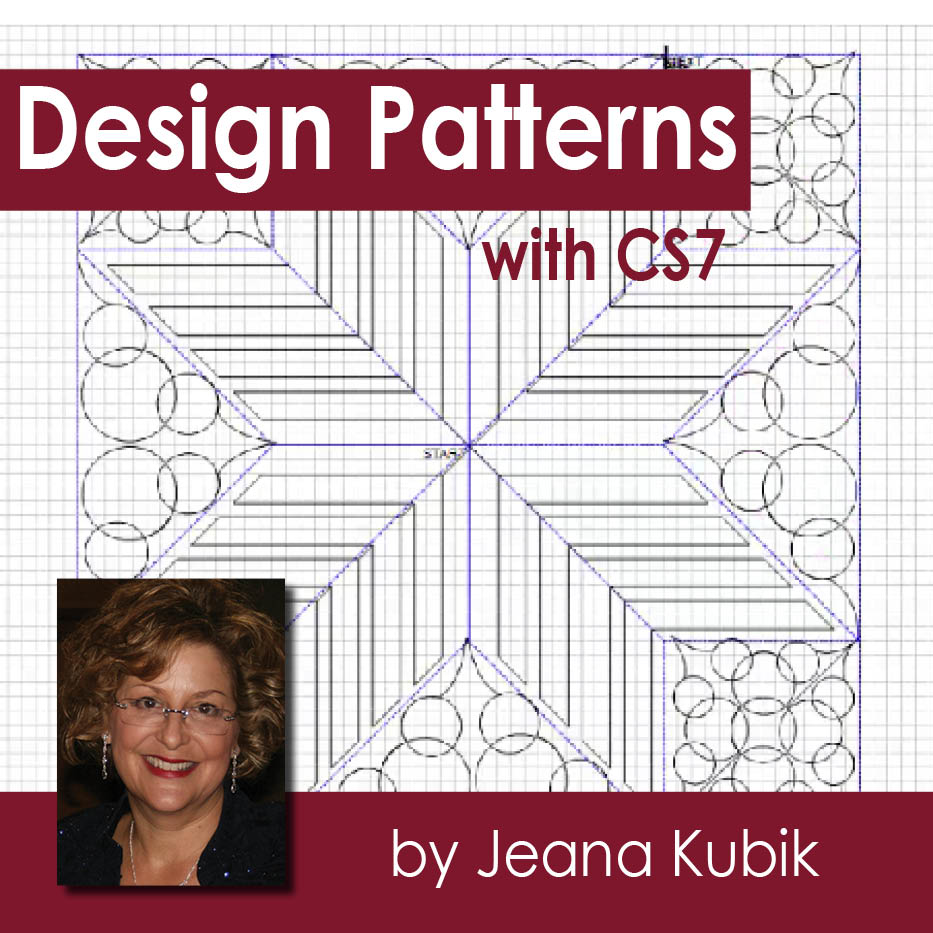
Design Patterns with CreativeStudio 7

Description Create new patterns in Stand Alone Mode and maximize Creative Studio Drawing features. Understanding nodes, order join, sew order, mirror, and circular array will stimulate your imagination and your design capability. Skills Covered CS7-SAM Nodes (Endpoint, Arch, Designer, Divide, Pattern Pause), Snap(Grid/End Point), Draw Line, Draw Curve, Draw Arc, Draw Pattern (p2p), Draw Boundary, Design Patterns with CreativeStudio 7

CreativeStudio Handbook

Description New to CreativeStudio? This class is a perfect introduction to the world of CreativeStudio! Georgia Stull guides you through the basics so you can begin your great adventure in computerized quilting with a Gammill Statler or Elevate. Skills Covered CS7-SAM Origin, Key Pad, Crosshairs, Stand Alone Mode (SAM), Menu Strip, Toll Strip, Customize Tool/Menu CreativeStudio Handbook

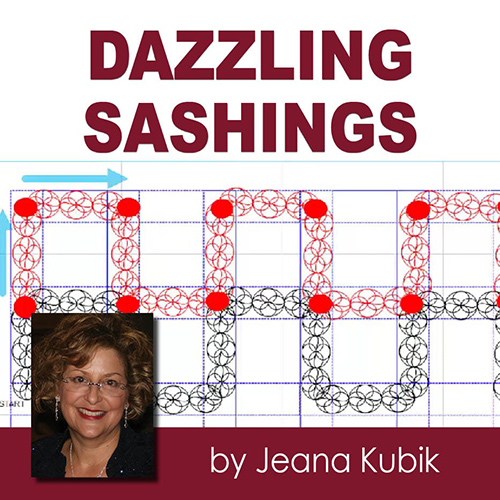
Dazzling Sashings

Description Learn to fill those sashings with ease with CreativeStudio®.  This class covers the use of three different CreativeStudio®  features:  Repeat Pattern feature, Apply and Draw Pattern to create Dazzling Sashings!  Follow along with provided class  project to enhance your learning experience. Skills Covered CS7-SAM Repeat Patterns, Measure Tape, Draw Boundary, View Properties, Edit Pattern Dazzling Sashings